Call us now :08037734553
 Send Inquiry
Launch X431pro Se Lite car scanner
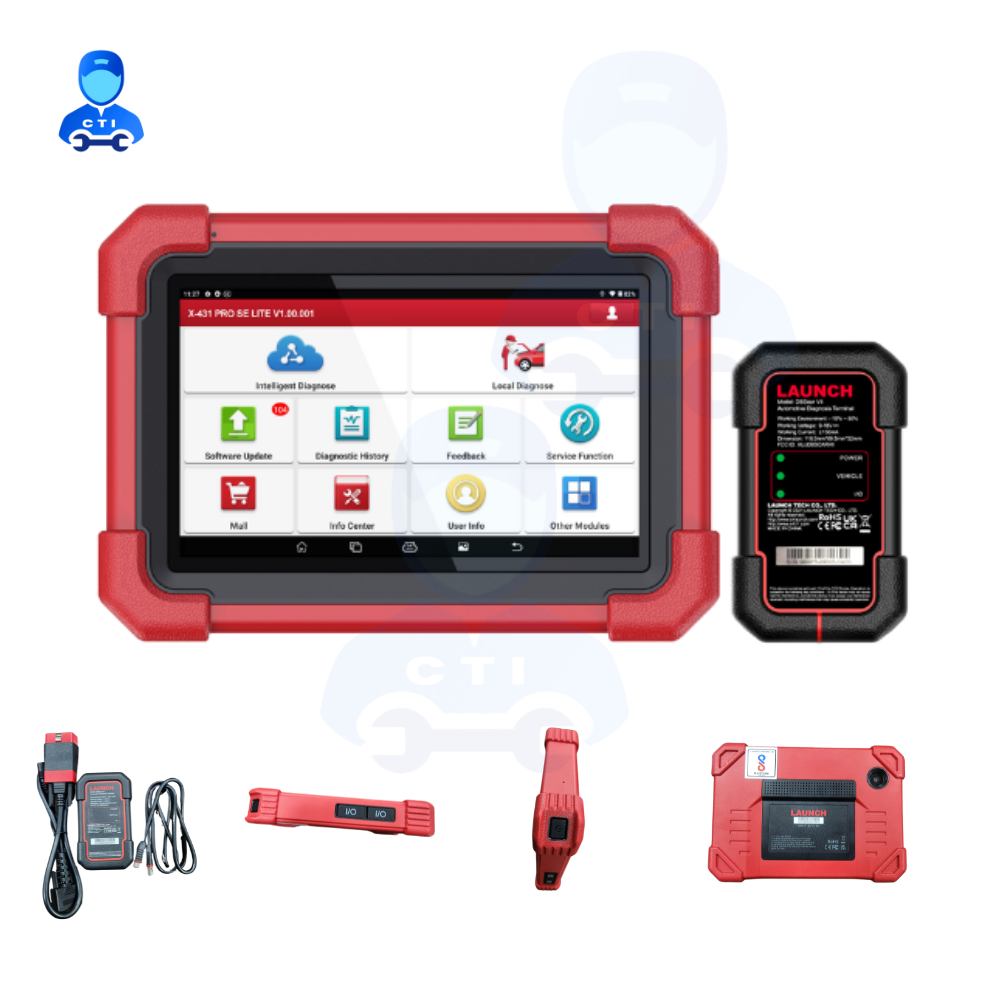
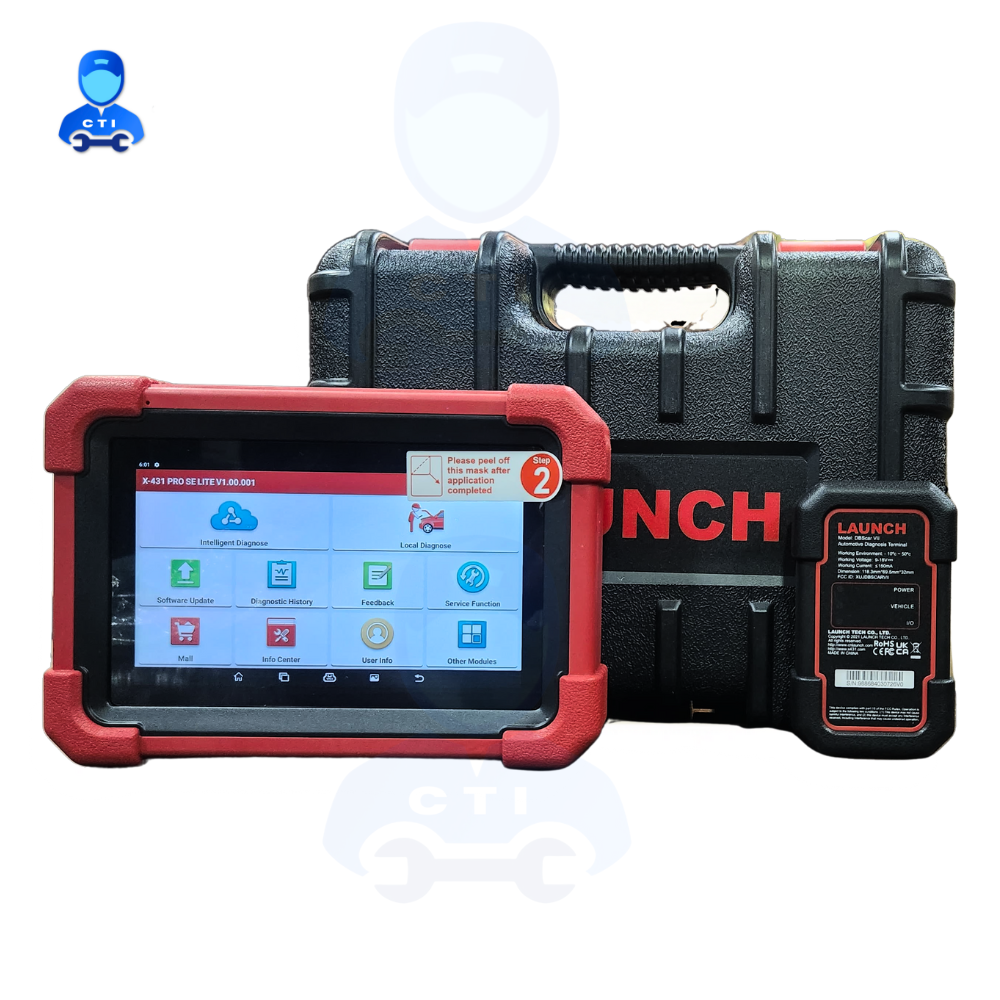

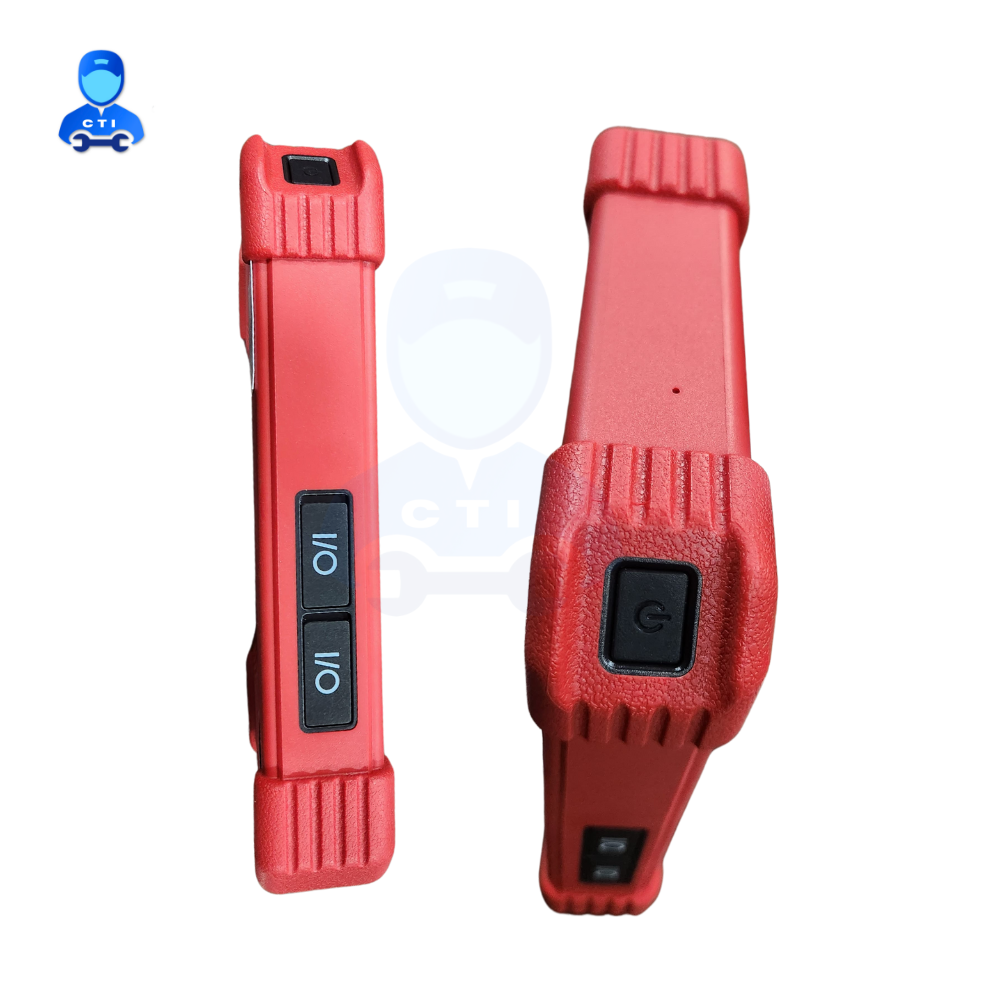

Launch X431pro Se Lite car scanner Specification
- Color
- Red and Black
- Finish
- Matte
- Size
- 7-inch touch screen display
- Material
- ABS Plastic and Electronic Components
- Head Type
- OBDII Connector
- Usage
- Vehicle fault detection, diagnostic scanning, and maintenance service functions
- Product Type
- Car Scanner
- Application
- Automotive diagnostic and troubleshooting
- Update Method
- Online One-Click Update (Free for 1 Year)
- Functions
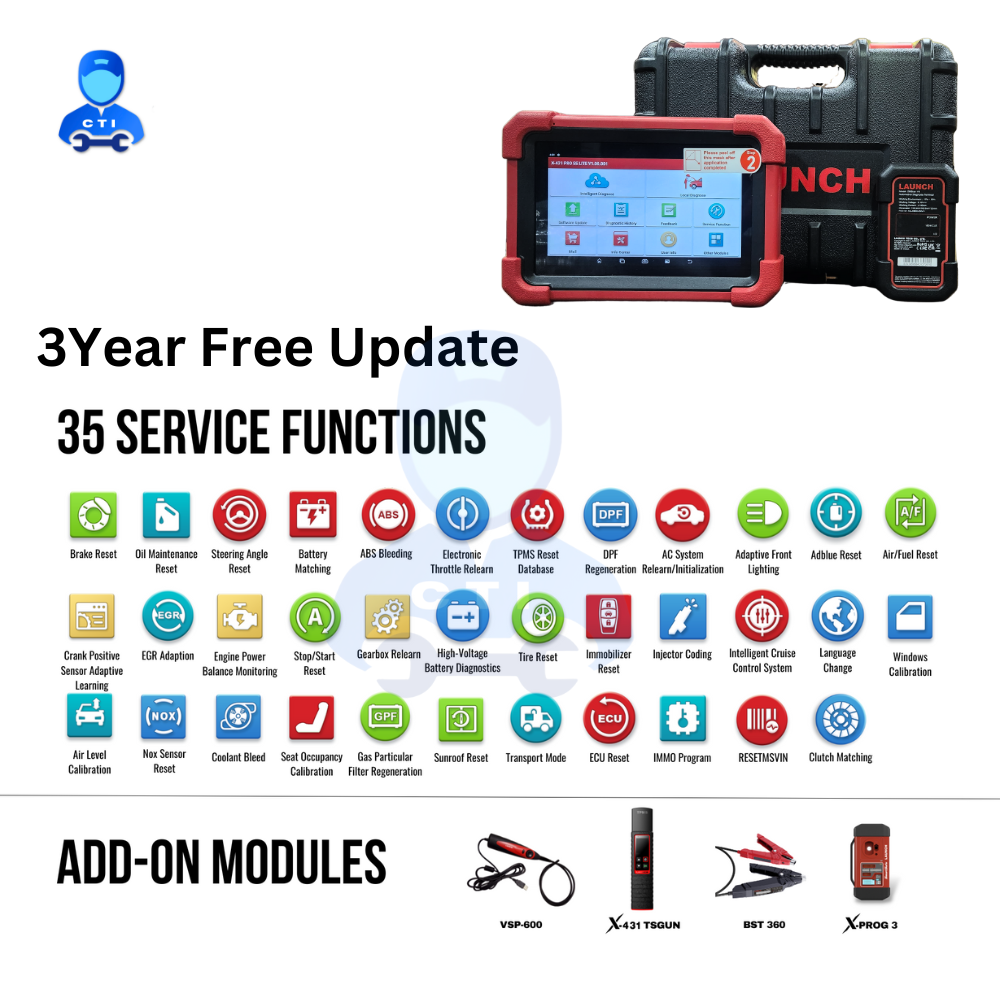
- Full System Diagnosis, ECU Coding, Auto VIN, Service Functions (Oil Reset, EPB, TPMS, BMS, SAS, DPF, Injector Coding, etc.)
- Processor
- Quad-Core 1.3 GHz
- Working Temperature
- 0C to 50C
- Storage
- 2GB RAM, 32GB ROM
- Supported Vehicles
- Supports 10000+ Car Models (12V, OBD2 Protocol)
- Display
- 7-inch HD Touchscreen, 1024x600 Resolution
- Battery
- 4000 mAh Rechargeable Li-ion
- Connectivity
- Wi-Fi, Bluetooth
- Operating System
- Android 9.0
- Camera
- 2MP Rear Camera
- Storage Temperature
- -20C to 60C
- Weight
- About 600g
- Supported Protocols
- OBD-II, EOBD, JOBD, CAN
Launch X431pro Se Lite car scanner Trade Information
- Minimum Order Quantity
- 1 Piece
- Supply Ability
- 10 Pieces Per Week
- Delivery Time
- 5 Days
- Sample Available
- No
- Sample Policy
- Contact us for information regarding our sample policy
- Main Export Market(s)
- Asia
- Certifications
- The X-431 PRO SE LITE is another one of the best choices for auto shops focusing on repairing passenger cars business. It offers all system full functionality for comprehensive and professional diagnostic services, compatible with 4 add-on modules: VSP-600, X-431 TSGUN, BST 360 Bluetooth Battery Tester, and X-PROG 3. VEHICLE COVERAGE
About Launch X431pro Se Lite car scanner
Description
The X-431 PRO SE LITE is another one of the best choices for auto shops focusing on repairing passenger cars business. It offers all system full functionality for comprehensive and professional diagnostic services, compatible with 4 add-on modules: VSP-600, X-431 TSGUN, BST 360 Bluetooth Battery Tester, and X-PROG 3.
VEHICLE COVERAGE
ASTONMARTIN, AUDI, AUSTHOLDEN, AUTOSEARCH, BAIC, BENZ, BMW, BXFIAT, BXGM, CHANGAN, CHANGCHENG, CHANGHE, CHRYSLER, CITROEN, DAEWOO, DAIHATSU, DEMO, ECUAID, EOBD2, FERRARI, FIAT, FUTIAN, GAZ, GM, HMAZDA, HONDA, HUACHEN, HYUNDAI, IKCO, INDIANFORCE, INDIANMAHINDRA, INDIANMARUTI, INDIANTATA, ISUZU, IVECO, IZH, JACTY, JIAO, JINLONG, JOYLONG, JPISUZU, KIA, KOREAHYUNDAI, KOREAKIA, LANDROVER, LIFAN, LIUWEI_TY, LUXGEN, MALAYSIA PERODUA, MALAYSIA PROTON, MASERATI, MAXUS, MAZDA, MITSUBISHI, MVM, NISSAN, OPEL, PAZ, PERODUA, PEUGEOT, PORSCHE, PROTON, QIRUI_TY, RENAULT, ROVER, SAAB, SAICMG, SAIPA, SAMSUNG, SEAT, SEAZ, SGM, SKODA, SMART, SPARK_TY, SPRINTER, SSANGYONG, SUBARU, SUZUKI, TATA, TOYOTA, TRUMPCHI, UAZ, USAFORD, VAZ, VINFAST, VOLVO, VW, WEILI, XIALI, XINKAI, ZAZ, ZHONGSHUN, ZHONGTAI, ZHONGXING
95 diagnostic softwares are available currently, which is continuously updated.
OS Android 10.0
DISPLAY 7, 1024*600
CPU 2.0GHz, Quad-core
RAM 4GB
STORAGE 64GB
BATTERY 47.880Wh(7.6V,6300mAh)
CAMERA Rear 8MP
WIFI 2.4GHz/5GHz
INTERFACE TYPE A 1 &TYPE C1
DIMENSION 218*154*39.5(mm)
Weight 900g
Additional Information:
-
Item Code: SELite-X431pro
-
Production Capacity: 100
-
Delivery Time: 1Day
-
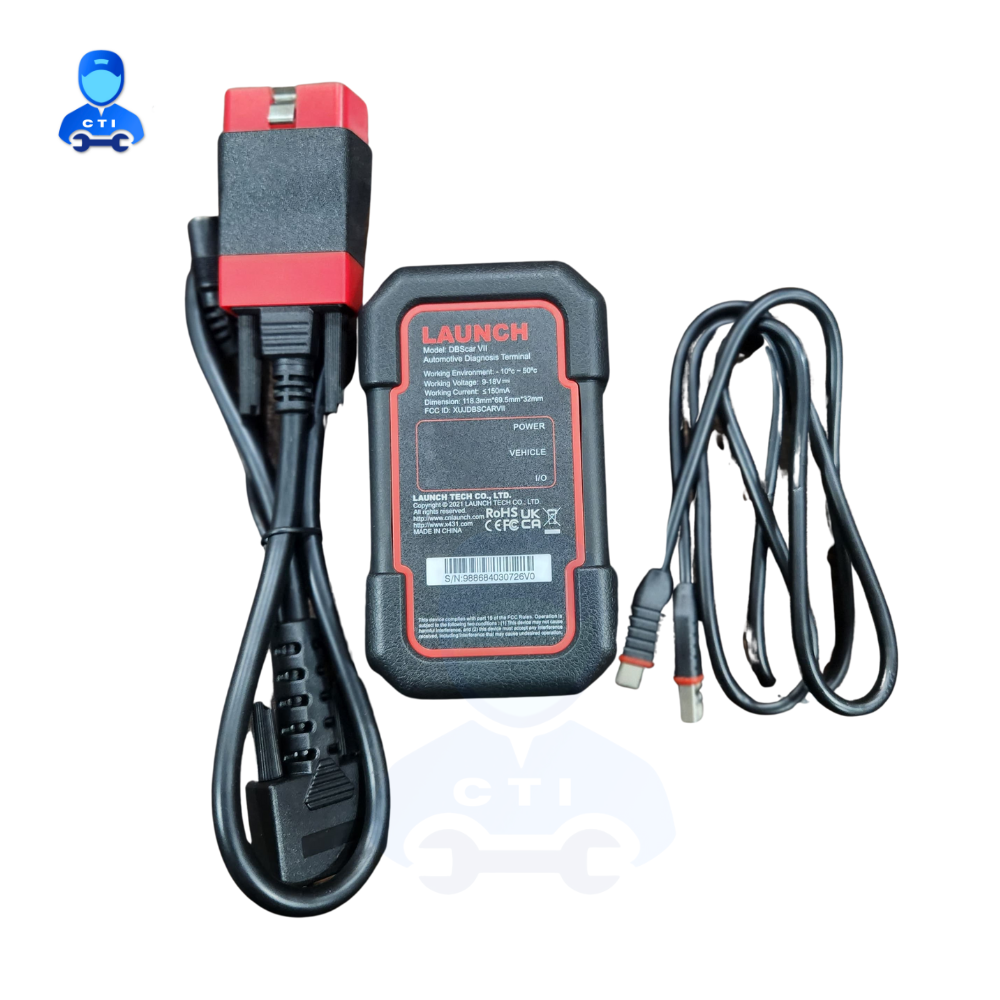
Packaging Details: Warrenty Card, Suitcase, Cartoon box, Usb Cable Obd Connecter OBD Cable VCI TABLET
All-in-One Automotive Diagnostic Solution
The Launch X431pro Se Lite scanner provides extensive diagnostic functions for over 10,000 vehicle models worldwide. With full system diagnosis, ECU coding, and a vast array of service features, mechanics and technicians can detect faults, reset systems, and perform maintenance with ease. Its 7-inch HD touchscreen and Android interface ensure clear display and efficient workflow.
Easy-to-Use, Portable Design
Weighing about 600g, the X431pro Se Lite combines portability with durability, thanks to its matte-finish ABS plastic build. Its rechargeable 4000mAh battery ensures long working periods, and the OBDII connector streamlines connection to vehicles. The tool fits comfortably in workshops and mobile repair scenarios alike.
Stay Updated with Online One-Click Updates
The X431pro Se Lite comes with a one-year free online update feature, allowing users to access the latest enhancements and manufacturer-specific functions with a single click. With built-in Wi-Fi, keeping your device current and compatible is fast and easy, keeping pace with the evolving automotive industry.
FAQs of Launch X431pro Se Lite car scanner:
Q: How do I update the Launch X431pro Se Lite car scanner?
A: You can update the scanner easily using its built-in Wi-Fi. Simply connect to the internet, access the update section in the software, and tap the One-Click Update button. Youll receive free updates for one year, ensuring the latest features and functions are always available.Q: What types of vehicles are compatible with the X431pro Se Lite?
A: The device supports over 10,000 car models that use 12V and OBD2 protocols, including OBD-II, EOBD, JOBD, and CAN. This broad compatibility makes it suitable for most domestic, Asian, European, and other international vehicles manufactured from 1996 onward.Q: When should I use the full system diagnosis function?
A: Use the full system diagnosis function whenever you need to thoroughly check all electronic systems in a vehicle. This can help you identify hidden issues, verify repairs, or perform routine maintenance checks for comprehensive vehicle health assessment.Q: Where can I use the Launch X431pro Se Lite car scanner?
A: The scanner is suitable for automotive workshops, service centers, and mobile repairs. Its portable size and wireless connectivity make it convenient for use both indoors and outdoors, wherever you need to perform vehicle diagnostics.Q: What is the process for performing ECU coding with this scanner?
A: Connect the scanner to your vehicle using the OBDII connector, navigate to the ECU coding option within the software, and follow the on-screen instructions. Ensure your car supports coding, and the process will allow you to customize or restore ECU settings as needed.Q: How does the Auto VIN function benefit users?
A: The Auto VIN function automatically identifies the vehicles identification number, speeding up the scanning process and ensuring accurate diagnostics. This feature reduces manual entry errors and streamlines the workflow, making service more efficient.Tell us about your requirement

Price:
Quantity
Select Unit
- 50
- 100
- 200
- 250
- 500
- 1000+
Additional detail
Mobile number
Email

More Products in Car And Truck Scanner Category
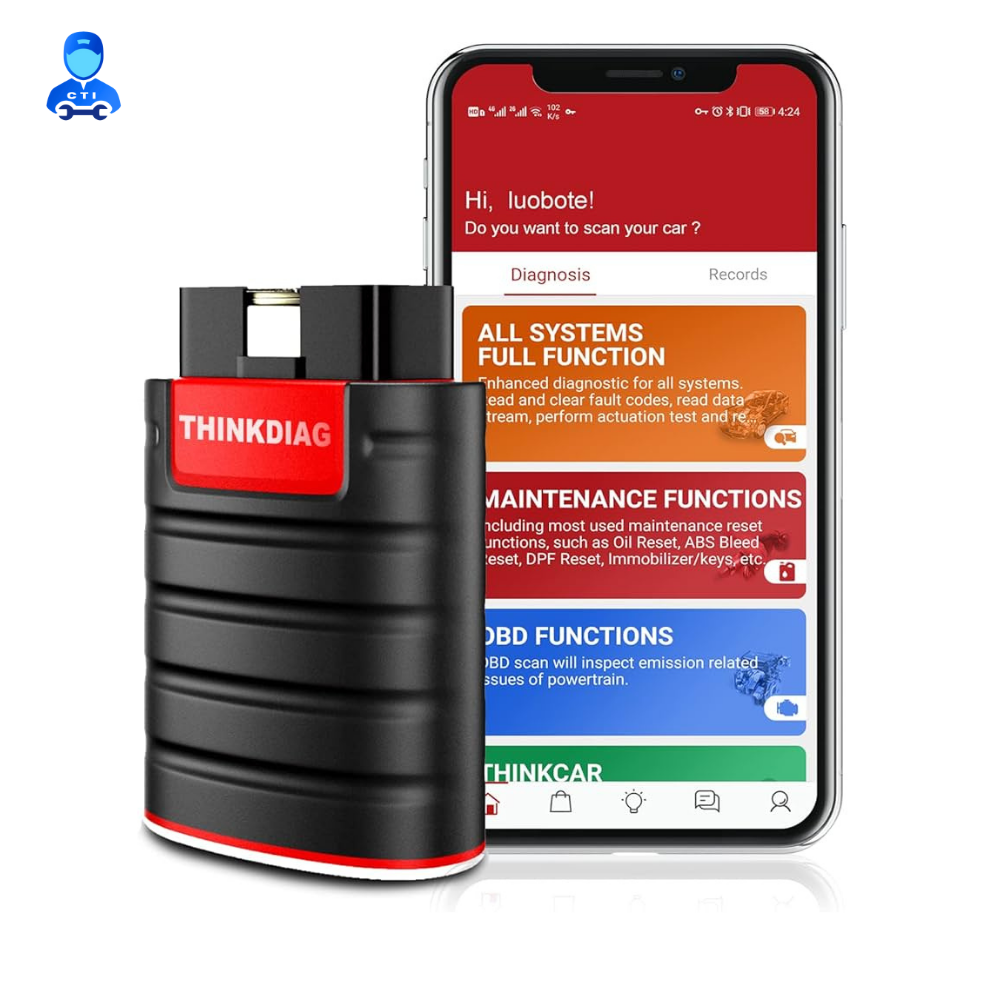
Thinkdiag Car Scanner
Price 9500.0 INR / Piece
Minimum Order Quantity : 1 Piece
Color : Black
Finish : Coated
Application : Car And Truck Scanner
Usage : Industrial
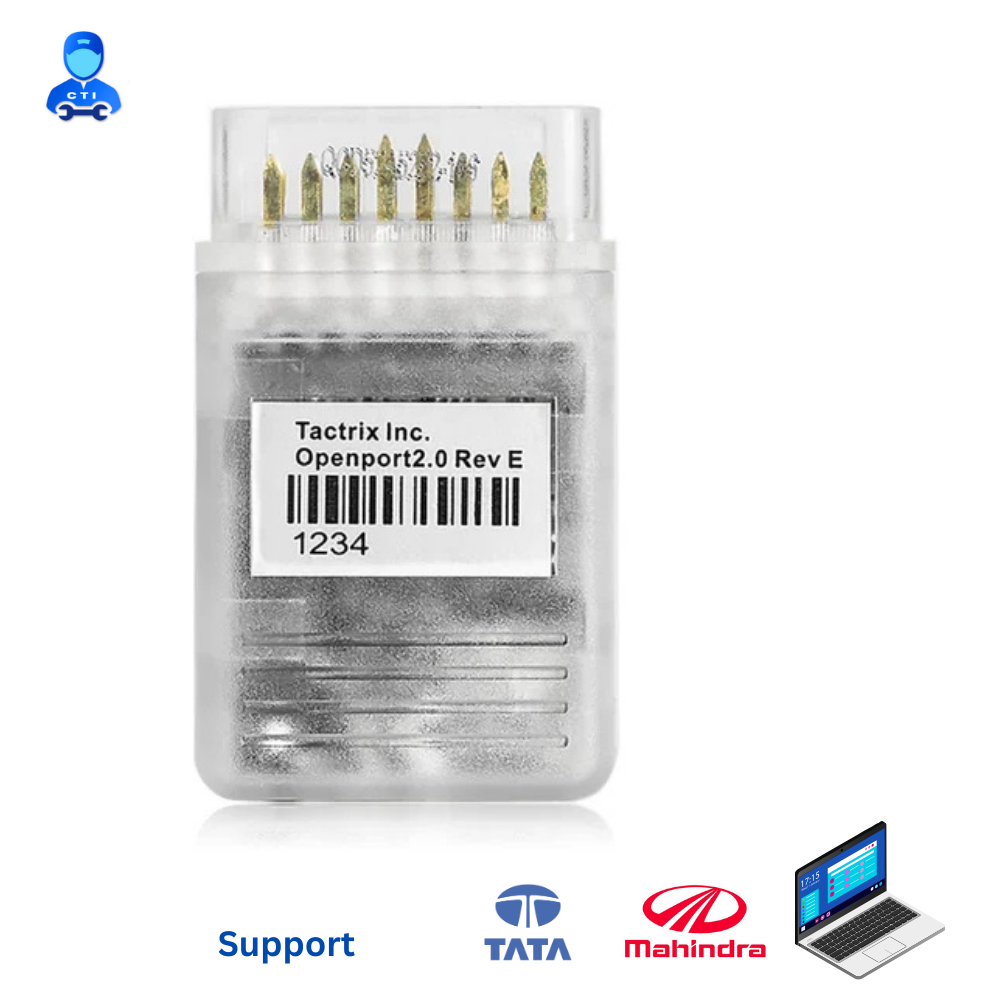
Tata Obd Scanner - Openport
Price 7500.0 INR / Piece
Minimum Order Quantity : 1 Piece
Color : Transparent
Finish : Polished
Application : Tata Obd Scanner
Usage : USB
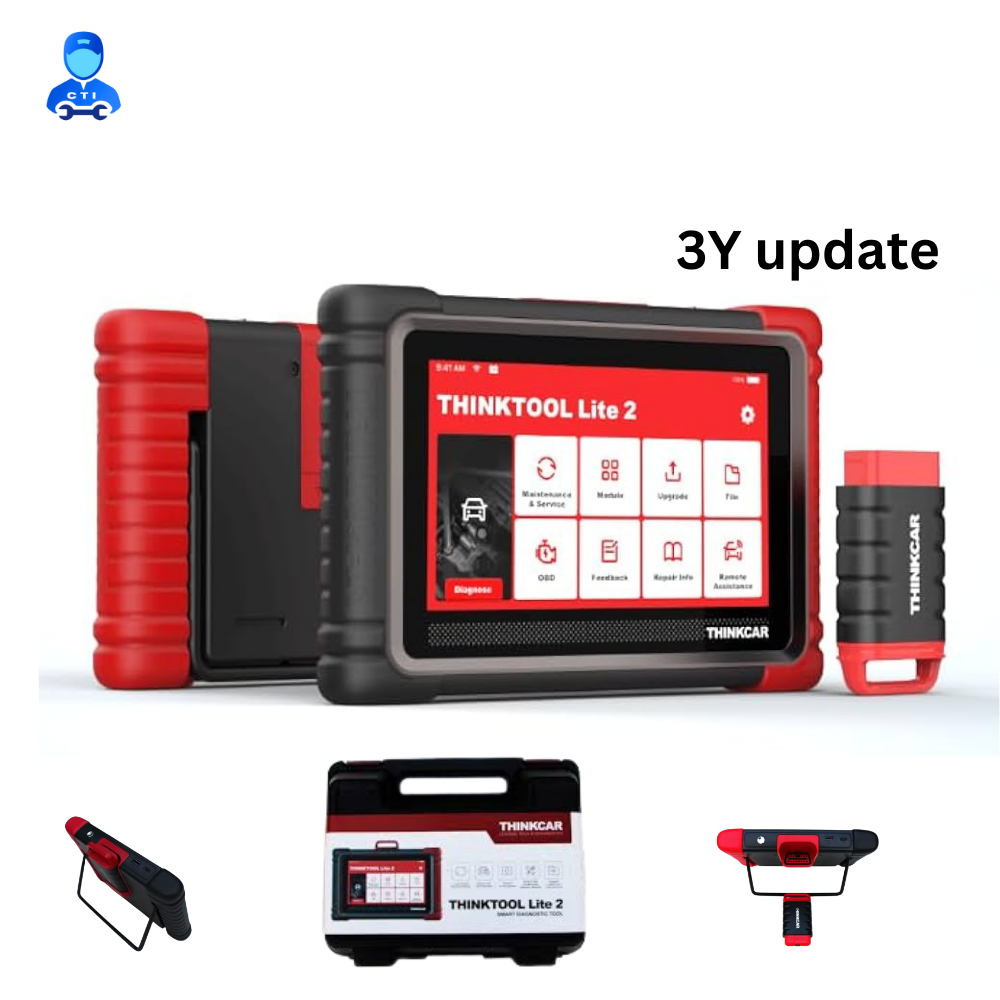
Thinkcar Thinktool Lite 2 Car Scanner
Price 62000.0 INR / Unit
Minimum Order Quantity : 1 Piece
Color : Red & Black
Finish : Smooth
Application : Automotive diagnostic
Usage : Automotive
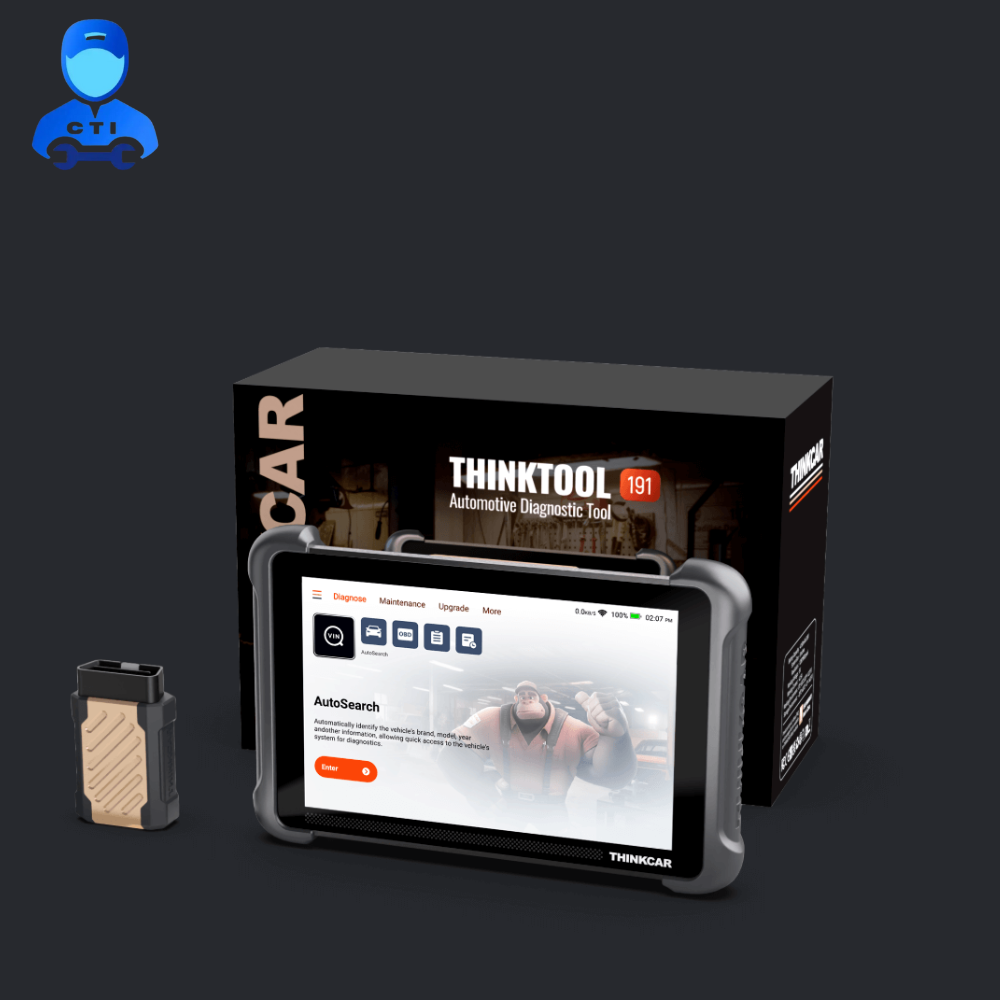
Thinkcar Thinktool Expert 191
Price 68999 INR / Piece
Minimum Order Quantity : 1 Piece
Color : Black
Finish : Matte & textured
Application : Vehicle diagnostics and troubleshooting
Usage : Professional automotive service, repair, and analysis

 Send Inquiry
Our Products


Bharat Petroleum Petrol Pump, Br/44, Baihar Birsa Saletekari Road, Chitragupt Nagar,Balaghat - 481001, Madhya Pradesh, India

Mr Harish Jaiswal
Mobile :08037734553
 Send Inquiry
 Send SMS
Developed and Managed by Infocom Network Private Limited.
